
Introduction
Gaming consoles today offer unprecedented flexibility, allowing players to use various devices that enhance their gaming experience. Many Nintendo Switch players prefer the Xbox One controller because of its superior design and functionality. If you’re interested in enhancing your gameplay, this guide will help you connect your Xbox One controller to a Nintendo Switch in 2024, ensuring a smooth setup process.
Why Use an Xbox One Controller on the Nintendo Switch?
The Xbox One controller is favored for its comfortable grip and responsive buttons, making it a top choice among gamers. For those who enjoy both Xbox and Nintendo Switch games, using this controller can offer a seamless experience in terms of control precision and comfort. With these advantages, it’s no wonder more gamers opt for this setup.
Understanding Compatibility in 2024
As we advance into 2024, connecting devices across different platforms has become more feasible, though some compatibility challenges remain. The primary hurdle is the lack of native support for Xbox One controllers on Nintendo Switch systems. To establish a connection, gamers need specific adapters or software.
Essential Gear: What You Need to Connect
To use your Xbox One controller with a Switch, you’ll need the following:
-
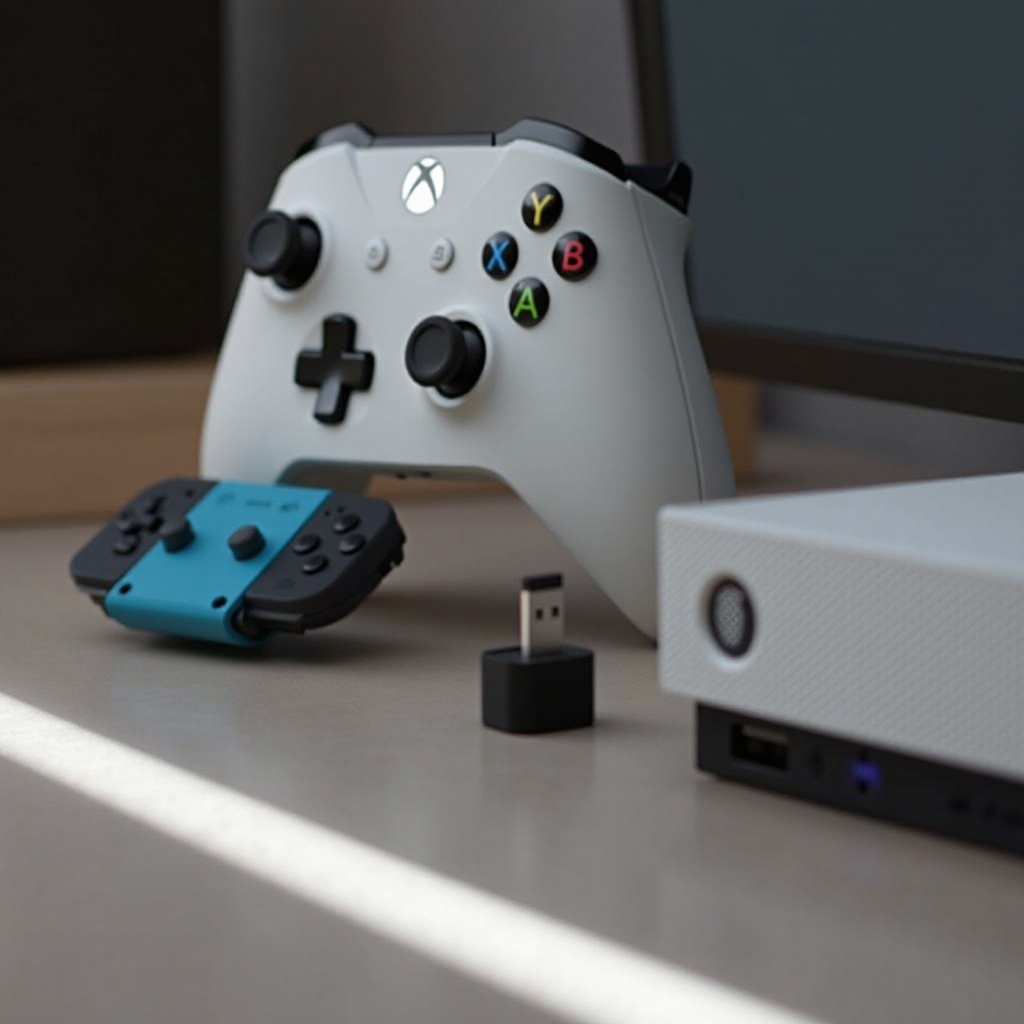
Choosing the Right Adapter: A Bluetooth adapter is essential for enabling communication between the Xbox controller and the Switch. Consider reliable options like 8Bitdo and Mayflash, which are user-friendly and efficient.
-
Software Requirements: Ensure that your Nintendo Switch is updated with the latest system software. Some adapters may also require you to download specific apps.
Equipping yourself with these essentials prepares you for a trouble-free connection process, allowing for a seamless gaming setup.
Step-by-Step Guide to Setting Up Your Xbox One Controller with the Switch
To connect your Xbox One controller to a Switch, follow these steps:
- Initial Setup and Connection Steps:
- Begin by plugging your Bluetooth adapter into the Switch dock. For handheld mode, use the USB port.
- Activate pairing mode on your Xbox One controller by holding the pair button until the Xbox logo starts blinking.
-
Follow the adapter’s pairing instructions, usually involving a designated button press on the adapter.
-
Troubleshooting Common Issues:
- Ensure that both devices enter pairing mode at the same time.
- Check battery levels, as low power can cause pairing failures.
- If necessary, update software to support the adapter better.
These steps will help achieve a stable connection, maximizing your Xbox controller’s use with the Switch.
Advantages of Using Xbox One Controllers for Switch Gaming
After successfully connecting your Xbox controller to the Switch, enjoy several benefits:
-
Enhanced Comfort and Control: The Xbox One controller’s design significantly reduces fatigue, even during lengthy gameplay sessions.
-
Access to More Features: Benefits include superior tactile feedback and button accuracy, which can improve performance, especially in competitive gaming.
This combination of comfort and control makes it an attractive setup for avid gamers.
Potential Drawbacks and Considerations
Despite the advantages, consider the following potential issues:
-
Latency and Connectivity Issues: Using third-party adapters may introduce slight latency, which can affect reaction times in fast-paced games.
-
Limitations in Compatibility: Not all Switch games fully support Xbox One controller button mapping, necessitating potential manual adjustments.
Being aware of these limitations helps you make informed decisions about your gaming setup.
Conclusion
Using an Xbox One controller with your Nintendo Switch offers a unique and improved gaming experience. While it requires additional tools and setup effort, the benefits of comfort and precise control often outweigh the complications. Consider whether this configuration matches your gaming preferences and enjoy a more comfortable and accurate gaming environment.
Frequently Asked Questions
Can I use an Xbox One controller with my Switch Lite?
Yes, by following the same connection steps using a compatible adapter, you can use it with a Switch Lite.
Do I need specific software updates for connecting an Xbox controller?
Keeping your Nintendo Switch software updated often ensures better adapter compatibility and performance.
Are there any games that don’t support Xbox One controllers on the Switch?
Some games may not support custom button mapping or specific controller features, so check compatibility beforehand.